Case Management
The Case Management settings let you configure how SAR Portal handles data subject requests for your organization.
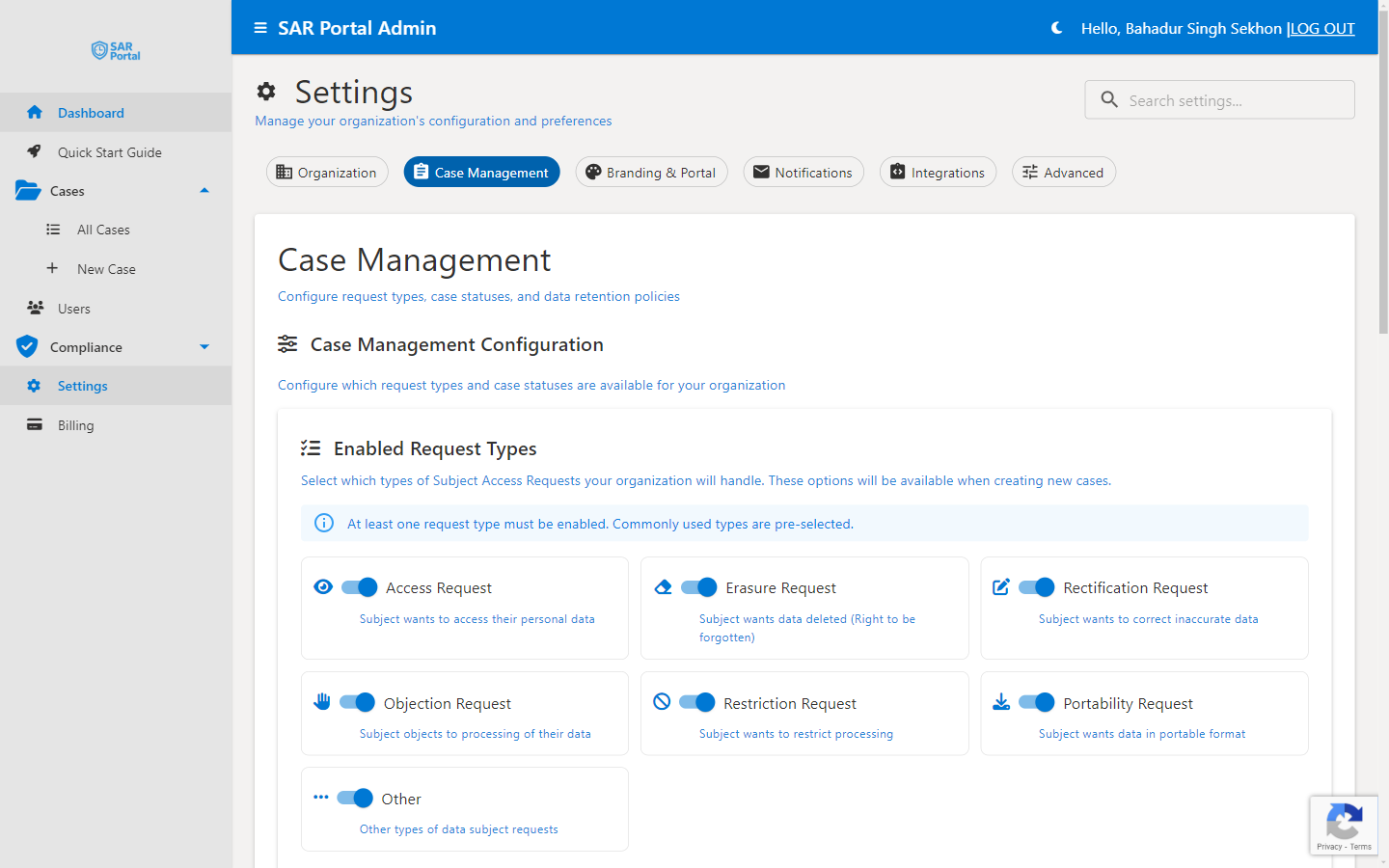
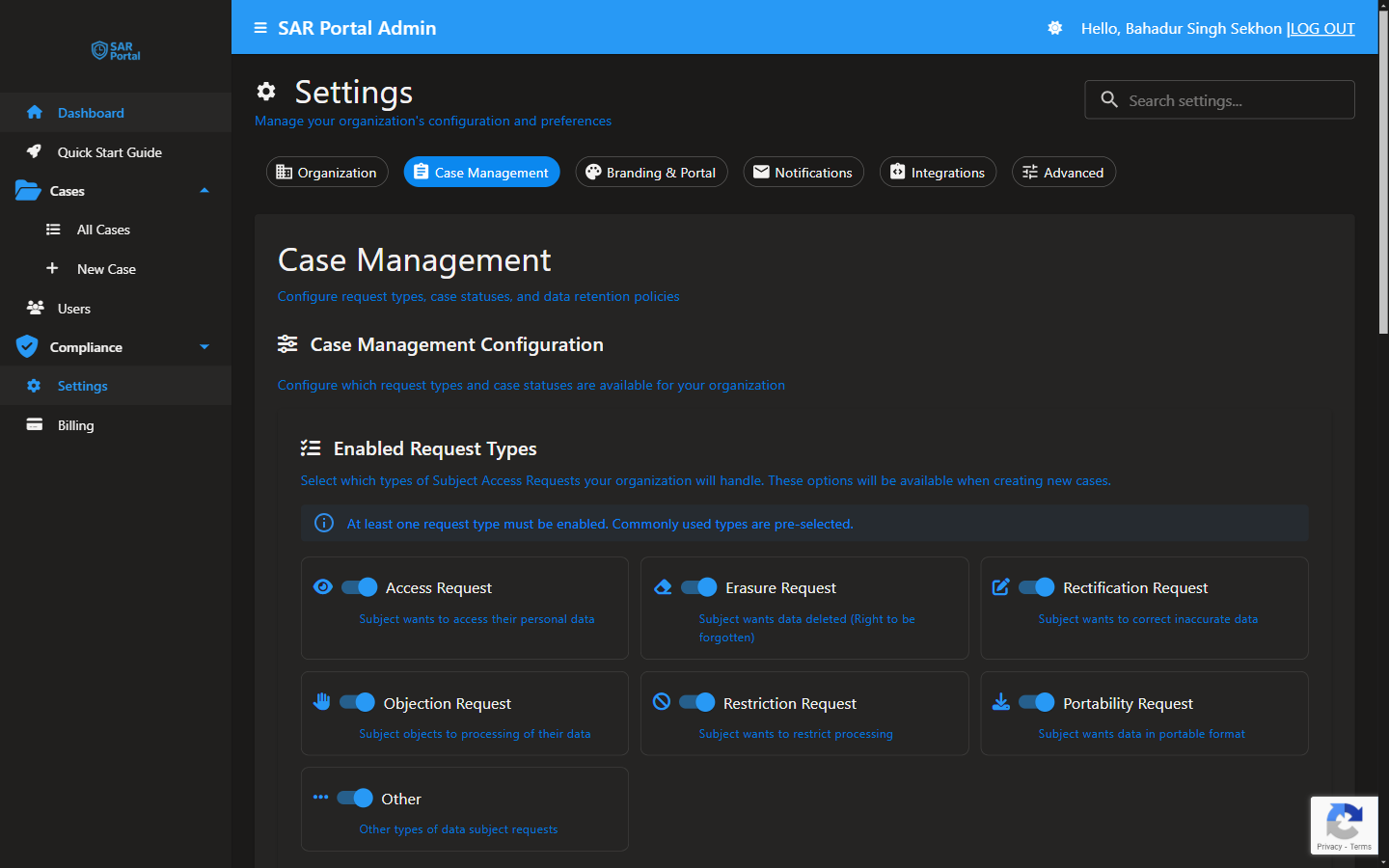
Sidebar → Settings → Case Management
Enabled Request Types
Configure which types of Subject Access Requests your organization will handle. These options appear when creating new cases.
Available Request Types
| Request Type | Description | GDPR Article |
|---|---|---|
| Access Request | Subject wants to access their personal data | Art. 15 |
| Erasure Request | Subject wants data deleted (Right to be forgotten) | Art. 17 |
| Rectification Request | Subject wants to correct inaccurate data | Art. 16 |
| Objection Request | Subject objects to processing of their data | Art. 21 |
| Restriction Request | Subject wants to restrict processing | Art. 18 |
| Portability Request | Subject wants data in portable format | Art. 20 |
| Automated Decision Request | Subject objects to automated decision-making/profiling | Art. 22 |
| Other | Other types of data subject requests | Various |
Enabling/Disabling Request Types
- Go to Settings > Case Management
- Toggle request types on or off
- Changes apply immediately to new cases
At Least One Required
At least one request type must be enabled. If you try to disable all types, you'll see a warning message.Enabled Case Statuses
SAR Portal uses a fixed set of case statuses to track request progress. Like request types, each status can be individually enabled or disabled for your organization, controlling which statuses are available when working a case.
| Status | Description |
|---|---|
| Opened | Case received, not yet actioned |
| In Progress | Actively being processed |
| Deadline Extended | Response deadline extended for a complex request |
| Identity Verified | The data subject’s identity has been confirmed |
| Awaiting Information | Waiting on additional information from the subject |
| Information Received | Requested information has been provided |
| Completed & Fulfilled | Request fulfilled |
| Rejected | Request declined |
| Withdrawn by Subject | Subject withdrew the request |
| No Data Found | No personal data held for the subject |
| Duplicate Request | Closed as a duplicate of another case |
| Invalid Request | Closed as invalid |
Enabling/Disabling Statuses
Toggle statuses on or off under Settings > Case Management. Disabled statuses won't appear as options when updating a case.Data Retention
Global Case Retention Period
A single Global Case Retention Period (months) field controls how long cases are retained after closure.
For GDPR compliance, consider:
- Keeping records for the limitation period (commonly 6 years)
- Documenting your retention rationale
- Balancing compliance needs with data minimization
Best Practices
Start Simple
- Begin with the most common request types (Access, Erasure)
- Add more as needed
- Don’t enable types you won’t handle
Set a Sensible Retention Period
- Align the Global Case Retention Period with your documented policy
- Keep records for at least your limitation period
- Avoid retaining personal data longer than necessary
Review Regularly
- Check settings when regulations change
- Update based on your experience
- Ensure settings match your privacy policy
Related Settings
| Section | What It Does |
|---|---|
| Organization | Company details used in responses |
| Notifications | How subjects are notified of progress |
| Advanced | AI redaction and security settings |