Case Actions
The Case Summary page provides various actions to process and manage each case effectively.
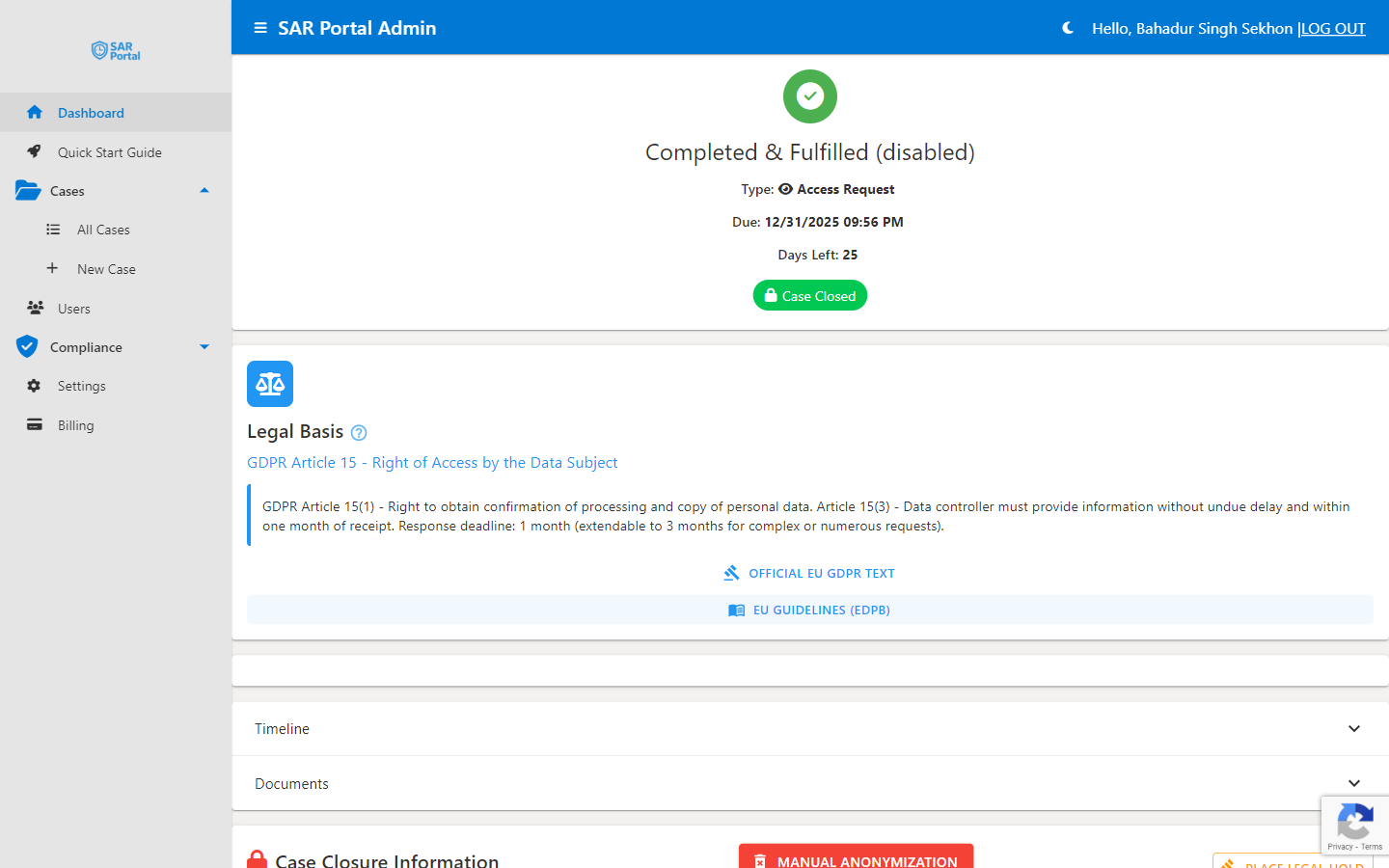
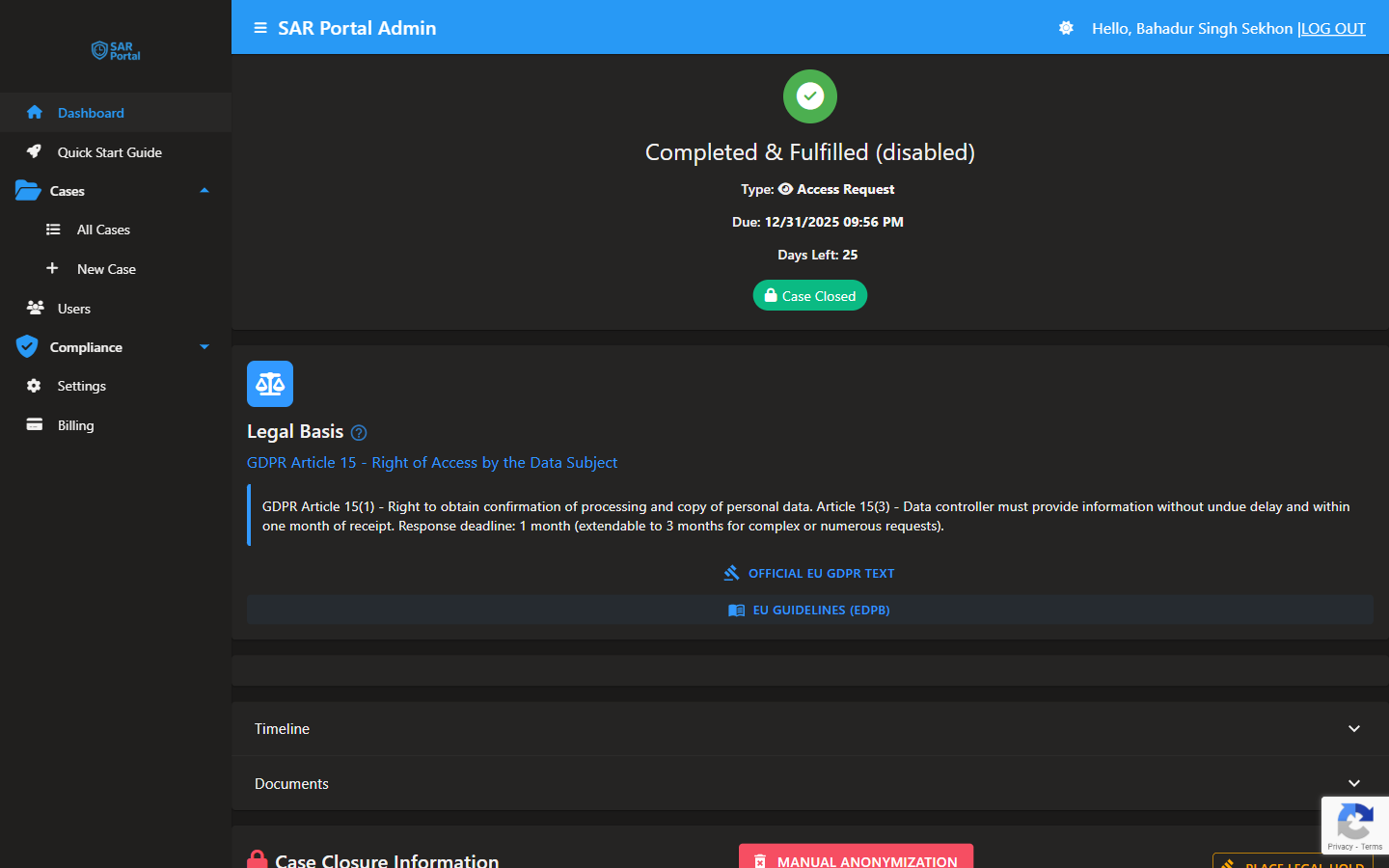
Quick Actions
The Quick Actions panel provides one-click access to common operations:
Close Case
Finalize the case with an appropriate closure status.
- Select closure reason (Fulfilled, Rejected, Withdrawn, etc.)
- Add closing notes
- Confirm closure
- Case moves to read-only state
Mark Verified
Confirm the data subject’s identity has been verified.
- Use after confirming identity through documentation
- Important security step before sharing personal data
- Records verification in audit trail
Request Info
Ask the data subject for additional information.
- Compose message to the subject
- System sends email notification
- Case status changes to “Awaiting Information”
- Subject can respond through email or portal
More Actions Menu
Additional options available:
Extend Deadline
- Request additional time for complex cases
- Select extension duration (up to 2 months)
- Add reason for extension
- Subject is automatically notified
Resend Last Email
- Re-send the most recent communication
- Useful if subject didn’t receive it
- Creates audit trail entry
AI Guidance
The AI Guidance section provides intelligent recommendations:
Get AI Recommendations
Click to receive:
- Suggested next steps based on case status
- Risk assessment for the request
- Complexity evaluation
- Relevant GDPR article references
GDPR Reference Links
Quick access to official guidance:
- Official EU GDPR Text - Link to the regulation
- EU Guidelines (EDPB) - European Data Protection Board guidance
Timeline
The Timeline shows a chronological history of all case activities:
Event Types
- Case Opened - When the case was created
- Status Changes - All workflow transitions
- Documents Uploaded - Files added to the case
- Communications - Messages sent/received
- User Actions - Changes made by team members
Timeline Details
Each event shows:
- Date and time
- Description of the action
- User who performed it (for manual actions)
Document Management
Uploading Documents
- Click the upload area or drag files
- Supported formats: PDF, Word, Excel, Images
- Files are scanned for viruses
- Uploaded documents appear in the documents list
Document Actions
For each document:
- View - Open in browser
- Download - Save locally
- Analyze - Run AI PII detection (Starter/Pro)
- Redact - Apply redactions
- Delete - Remove (admin only, with audit trail)
Batch Operations
Select multiple documents to:
- Analyze all for PII
- Apply batch redaction
- Download as ZIP
Case Details Panel
View and edit case information:
Subject Information
- Name, email, phone
- Edit if corrections needed
Request Details
- Request type
- Date received
- Due date
- Current status
Priority
- Set or change priority level
- High priority cases are highlighted
Notes
- View case notes
- Add additional notes
- Notes are timestamped and attributed
Communication History
Track all correspondence:
- Emails sent to subject
- Responses received
- Portal messages
- Internal notes (not shared with subject)
Risk Assessment
For cases analyzed by AI:
Risk Score
Visual indicator of case complexity:
- Low - Straightforward request
- Medium - Some complexity
- High - Complex or sensitive
- Critical - Requires careful handling
Risk Factors
AI-identified considerations:
- Sensitive data categories involved
- Legal complexities
- Third-party data concerns
- Potential exemptions
Best Practices
Regular Timeline Review
- Check the timeline to understand case history
- Verify all required steps completed
- Identify any gaps or delays
Document Everything
- Add notes for phone calls
- Record verbal communications
- Document decision rationale
Use AI Guidance
- Get recommendations before making decisions
- Review suggested next steps
- Reference GDPR articles when needed
Verify Before Disclosing
- Always mark as Verified before sharing personal data
- Document the verification method
- Especially important for email/phone requests