Dashboard Overview
The Dashboard is your command center for DSAR management. It provides an at-a-glance view of your compliance status, pending work, and subscription usage.
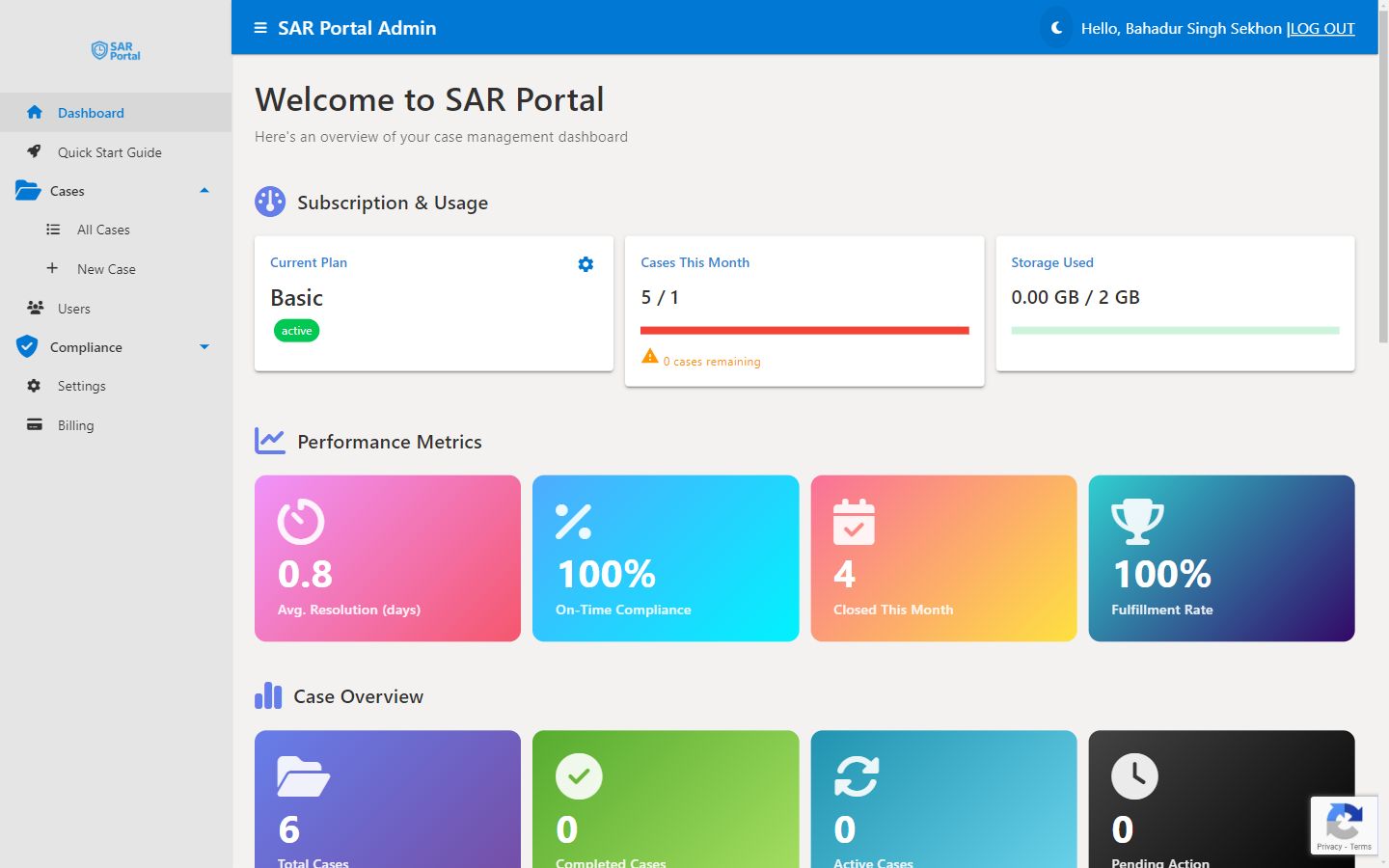
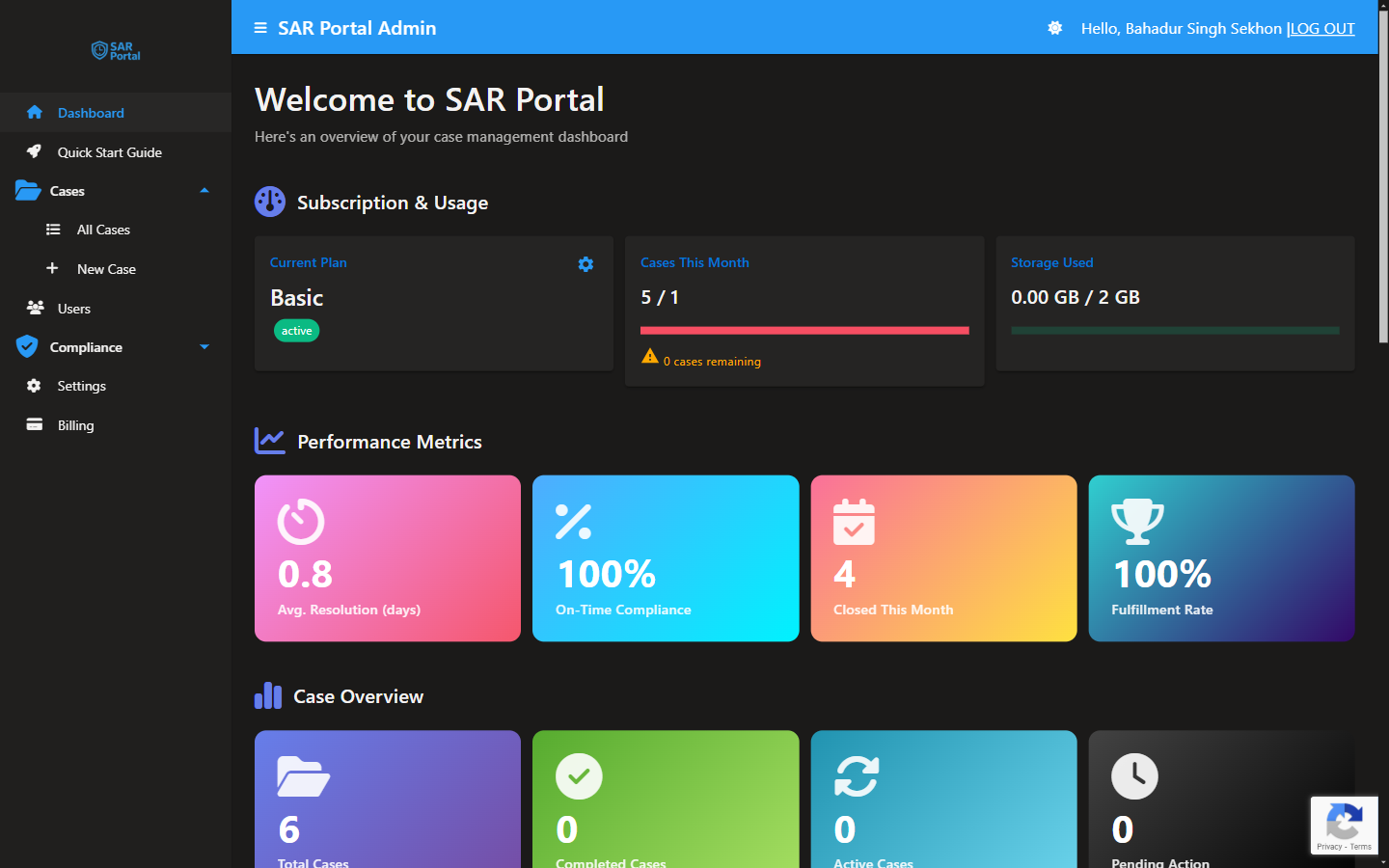
Subscription & Usage
The top section shows your current plan status:
Current Plan
Displays your subscription tier (Basic, Starter, or Pro) and trial status if applicable.
Cases This Month
Shows how many cases you’ve created against your monthly limit. The progress bar fills as you approach your limit.
- Basic: 1 case/month
- Starter: 5 cases/month
- Pro: 25 cases/month
Storage Used
Tracks your document storage usage against your plan’s allocation.
- Basic: 1 GB
- Starter: 5 GB
- Pro: 25 GB
Performance Metrics
Four key metrics help you monitor compliance performance:
Average Response Time
The average number of days between receiving a request and closing it. GDPR requires response within 30 days (extendable to 90 days for complex requests).
On-Time Completion Rate
Percentage of cases completed within the deadline. Aim for 100% to maintain compliance.
Cases Requiring Extension
Number of cases where you’ve requested a deadline extension. High numbers may indicate process issues.
Open Cases
Currently active cases requiring attention.
Quick Actions
The Dashboard provides quick access to common tasks:
- Create New Case - Start a new DSAR manually
- View All Cases - Jump to the full cases list
- Quick Start Guide - Access the in-app tutorial
Recent Activity
Shows the latest actions across your organization:
- New cases created
- Cases status changes
- Documents uploaded
- User activities
Trial Banner
If you’re on a free trial, a banner displays:
- Days remaining in your trial
- Trial end date
- Quick link to upgrade
Navigating the Application
Use the sidebar to access different sections:
| Section | Description |
|---|---|
| Dashboard | Overview and metrics (this page) |
| Quick Start Guide | Interactive setup tutorial |
| Cases | View and manage all DSARs |
| Users | Team management and invitations |
| Compliance | Verification and audit tools |
| Settings | Organization and portal configuration |
| Billing | Subscription and payment management |
Tips for Using the Dashboard
- Check daily - Make the Dashboard your first stop to catch overdue cases
- Monitor the response time - If it’s trending up, review your processes
- Watch storage usage - Archive or delete unnecessary documents before hitting limits
- Review recent activity - Stay informed about team actions